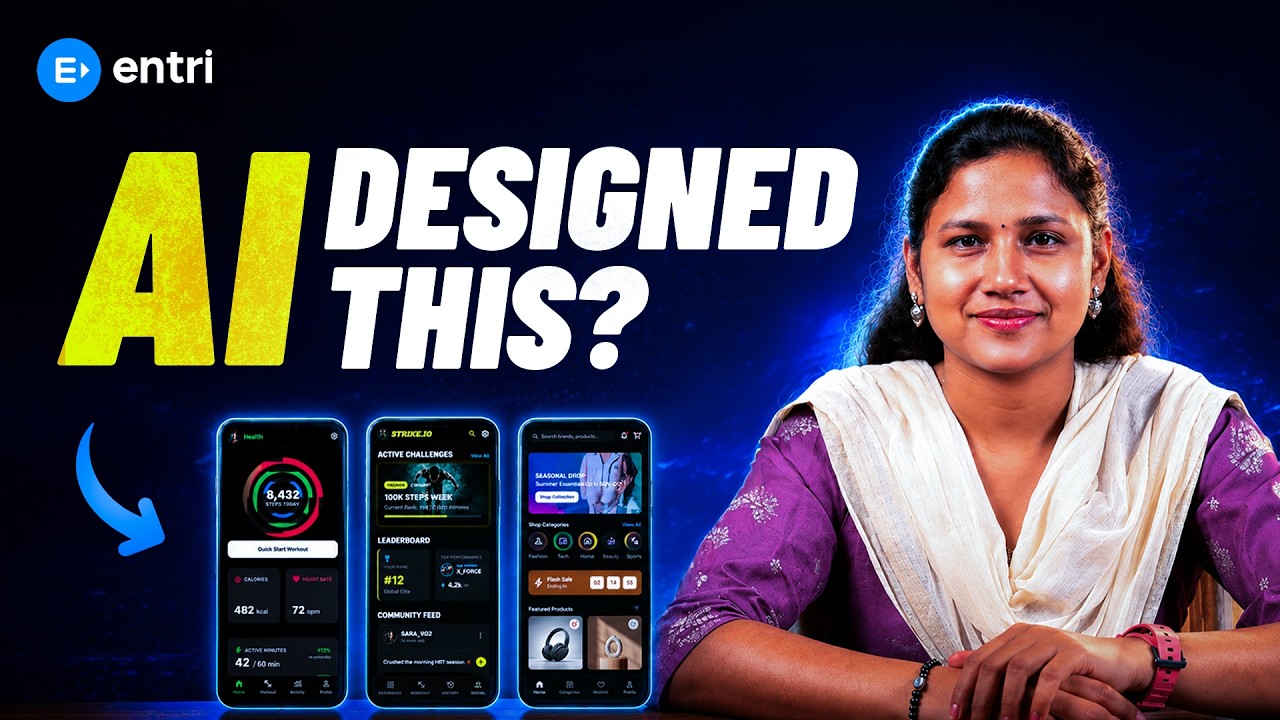
Free Google Stitch AI Tutorial in Tamil

About Course

Supercharge Your Career with Our Placement-Oriented Full Stack Program

Join the Trending Full Stack Development Course and Kickstart Your Career! Gain In-Demand Skills, Work on Real-World Projects, and Secure Your Spot in Top Companies.

Know More

Requirements

  • No design experience needed: You don't need any prior knowledge of UI/UX or graphic design — Stitch's AI does the heavy lifting for you.
  • A Google account: Stitch runs inside Google Labs, so a free Gmail account is all you need to get started.
  • A laptop or desktop with internet access: Stitch works best in a browser, so a stable internet connection is all the hardware you need.
  • Curiosity over coding skills: A willingness to experiment with prompts matters far more than any technical background.
  • A specific idea or project in mind: Having even a rough app or website concept helps you follow along and practice with real examples.

Google Stitch AI

Google Stitch AI Tutorial in Tamil

  • Video

Placement Oriented Programs by Entri

Know more about placement oriented programs at Entri


    FAQs

    Do I need coding skills to learn Google Stitch?

    No. Google Stitch is specifically designed so you can create UI designs using plain language prompts, with no coding knowledge required. Understanding basic design concepts helps, but you can start with zero technical background

    Who is this free Tamil tutorial for?
    This course is ideal for students, freelancers, small business owners, and anyone in Tamil Nadu curious about AI-powered design tools. It's especially useful for beginners who want to explore UI/UX without committing to expensive software or long design courses.
    Will this free course help me get a design job?
    This free tutorial gives you a strong foundation in using AI design tools like Stitch, but it's an introductory course and not a full job-ready program.
    What tools do I need for this course?
    You only need a Google account to access Stitch through Google Labs, along with a laptop or desktop with a browser and internet connection. No paid software or design tools are required
    How long does this course take to complete?
    The course is structured into short, focused lessons that you can complete in a few hours total. Since it's self-paced, you can go through it faster or slower depending on your schedule.

    Why Choose Our Free Google Stitch AI Tutorial in Tamil?

    • High Demand for AI Design Skills: Companies are actively looking for people who can combine design thinking with AI tools to speed up product development.
    • Faster Path to Freelancing: Designers who know AI-assisted tools like Stitch can take on client projects faster, often charging premium rates for quick turnarounds.
    • Zero-Cost Entry Point: Stitch is completely free to use, so you can build real design skills without spending a rupee on software.
    • Real-World Impact: From startup founders to students with app ideas, this skill helps anyone turn a concept into a visual reality in minutes, not days.
    • Taught Fully in Tamil: Every concept is explained in Tamil so you can learn comfortably without language being a barrier.
    • Hands-On, Project-Based Learning: You’ll design a real UI screen step by step instead of just watching theory.
    • Beginner-Friendly Pacing: Lessons are broken into short, focused videos so you can learn at your own pace.
    • Guided by Experienced Mentors: Learn from instructors who understand both design fundamentals and how to get the best results from AI tools.
    • AI Prompt Crafting: How to write clear, specific prompts that generate usable, professional-looking designs on the first try.
    • UI Design Fundamentals: Core concepts like layout, hierarchy, and consistency that make any design look polished.
    • Design Iteration: How to refine and improve a generated design using simple follow-up instructions.
    • Tool Navigation: Getting comfortable with the Stitch canvas, design agent, and history tracking features.
    • Export & Handoff: How to move your finished design into Figma or export it as ready-to-use code.