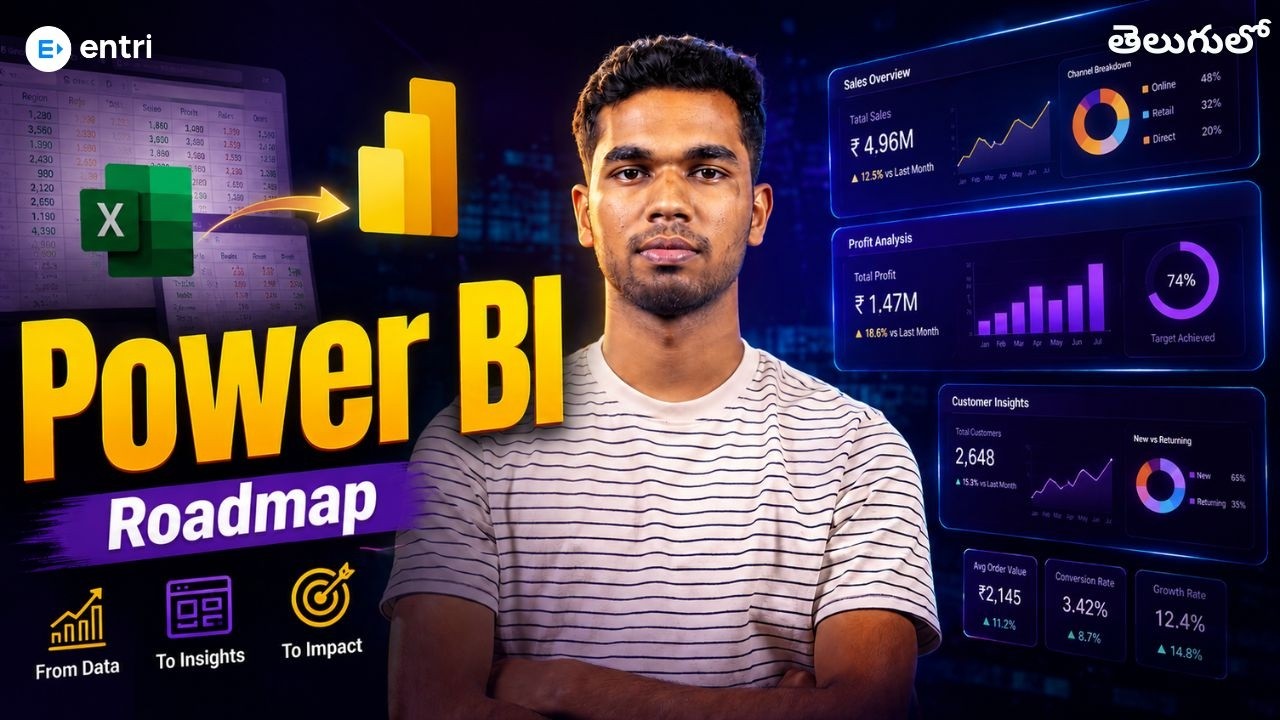
Free Power BI Explained in Telugu

Skills You’ll Learn

Power BI Fundamentals
Data Modeling
DAX Formulas
Dashboard & Report Building

About Course

Supercharge Your Career with our Placement-Oriented Courses

Master in-demand skills, ace interviews, and secure top-tier jobs.

Know More

Requirements

  • No prior coding experience needed: Basic computer familiarity is enough — every concept is explained from scratch.
  • A laptop or desktop: Power BI Desktop runs on Windows; a system with at least 4GB RAM is recommended.
  • Stable internet connection: Needed to download Power BI Desktop and follow along with hands-on demos.
  • Basic Excel familiarity: Helpful but not mandatory — knowing rows, columns, and simple formulas gives you a head start.
  • Comfort with Telugu instruction: All explanations are delivered in clear, conversational Telugu for easy understanding.

Introduction to Power BI

Free Power BI Explained in Telugu

  • Video

Placement Oriented Programs by Entri

Know more about placement oriented programs at Entri


    FAQs

    Do I need to know coding to learn Power BI?
    No coding is required to get started. Power BI is largely visual and drag-and-drop, though learning basic DAX formulas later helps you go deeper. This course explains everything in Telugu from the basics.
    Who is this Power BI course for?
    This course is ideal for students, freshers, and working professionals in Andhra Pradesh and Telangana who want to build data analytics and visualization skills, even with zero prior experience.
    What tools do I need to follow this course?
    You'll need Power BI Desktop, which is free to download and install on Windows. No paid software or subscription is required to follow along.

    Why Choose Our Free Power BI Course in Telugu?

    • High Industry Demand: Power BI is one of the most requested skills in data analyst and business analyst job listings today.
    • Better Pay Potential: Professionals skilled in data visualization tools often command higher salaries than those without.
    • Solves Real Problems: Power BI turns scattered, messy data into clear insights business teams can actually act on.
    • Gateway to Data Careers: Learning Power BI opens doors into data analytics, business intelligence, and analyst roles.
    • Taught Fully in Telugu: Every concept is explained in simple, conversational Telugu so nothing gets lost in translation.
    • Hands-On Learning: Follow along by building real reports instead of just watching theory.
    • Beginner-First Structure: Lessons build step by step, assuming zero prior data analytics knowledge.
    • Practical Datasets Included: Get ready-made sample datasets to practice with immediately.
    • Power BI Interface: Understand Power Query, Data Model, and Report views and how they work together.
    • Data Import & Cleaning: Learn to connect to Excel/CSV sources and clean data using Power Query.
    • Data Modeling: Build relationships between tables for accurate reporting.
    • DAX Basics: Write simple DAX formulas to create calculated columns and measures.
    • Visualizations & Dashboards: Design charts, tables, and interactive dashboards that communicate insights clearly.
    • Publishing & Sharing: See how to publish reports and share them with a real-world workflow.