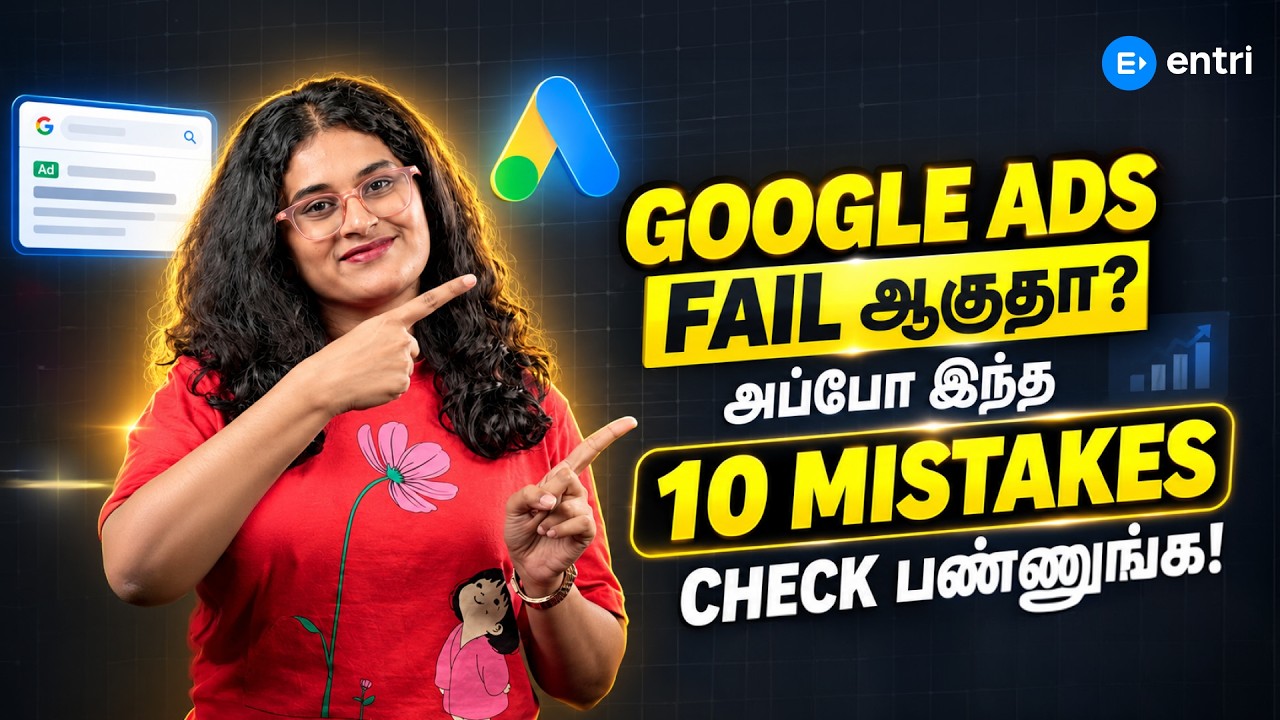
Google Ads Tips for Beginners in Tamil

About Course

Supercharge Your Career with Our Digital Marketing Course

Join the Trending Digital Marketing Course and Launch Your Career! Master In-Demand Skills, Work on Live Campaigns, and Land Opportunities with Top Brands.

Know More

Requirements

  • No prior advertising experience: Every tip is explained from the basics, so first-timers can follow easily.
  • A Google account: You’ll need one to explore the Google Ads interface alongside the lessons.
  • A smartphone or computer: A laptop is best for working in Google Ads, but any device works for watching the videos.
  • A small test budget (optional): Running a low-budget campaign helps you practise, but you can learn everything without spending.
  • Patience to test and learn: Google Ads rewards steady testing, so a willingness to experiment goes a long way.

Google Ads Tips for Beginners

Google Ads Tips for Beginners in Tamil

  • Video

Placement Oriented Programs by Entri

Know more about placement oriented programs at Entri


    FAQs

    Do I need to spend a lot of money to learn Google Ads?
    No. You can learn the full setup without spending anything, and when you’re ready to test, even a small daily budget is enough to start. This course shows you how to avoid common mistakes that waste money.
    Who is this course for?
    It’s for digital marketing beginners, students, freelancers and small business owners who prefer learning in Tamil. If you want to advertise your own business or start a career in PPC, this course is a good first step.
    Will this free course help me get a job?

    This free course gives you a strong beginner foundation in Google Ads, but it doesn’t include placement support. To become job-ready with live projects, certification guidance and placement assistance, explore Entri’s digital marketing course

    What tools will I use in this course?
    You’ll work with Google Ads and Google Keyword Planner, both free to access with a Google account. The course also touches on Google Analytics for tracking results.
    How long does it take to complete the course?
    The course is short and self-paced, so most learners finish it in a couple of hours. You can watch the tips anytime and come back to them while setting up your own campaigns.

    Why choose this course?

    • Reach buyers at the right moment: Google Ads shows your business to people actively searching for what you offer.
    • High demand skill: PPC and performance marketing roles are among the most sought-after jobs in digital marketing.
    • Fast, measurable results: Unlike SEO, ads can bring traffic and leads within days, with every rupee tracked.
    • Useful for any business: From local shops to online stores, almost every business can grow with search ads.
    • Taught in Tamil: Every tip and setting is explained in simple Tamil, so the Ads interface feels less confusing.
    • Practical, tip-based lessons: Short, focused videos give you actions you can apply to a campaign right away.
    • Screen walkthroughs: See exactly where to click and what to set inside the Google Ads dashboard.
    • Guidance from industry experts: Learn from mentors who manage real Google Ads campaigns for brands.
    • Campaign Types: When to use Search, Display, Performance Max and other campaign types.
    • Keyword Research and Match Types: How to find buyer keywords and control which searches trigger your ads.
    • Negative Keywords: How to block irrelevant searches so you don’t pay for useless clicks.
    • Ad Copywriting: How to write headlines and descriptions that improve click-through rate.
    • Budgeting and Bidding: How to set budgets and choose bidding strategies that suit beginners.
    • Conversion Tracking: How to measure leads and sales so you know which ads actually work.