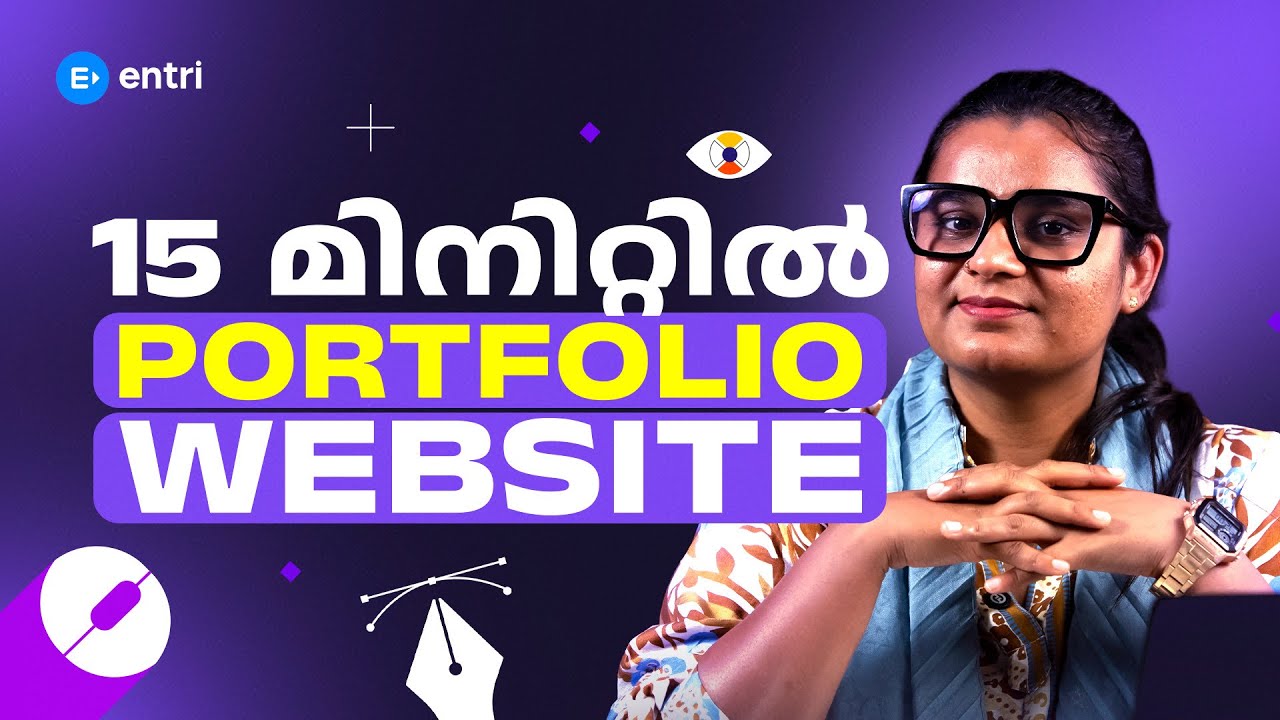
How to Create a Digital Marketing Professional Portfolio

Skills You’ll Learn

Portfolio Basics
Platform Selection
Project Showcasing
Case Studies
LinkedIn Optimisation

About Course

Supercharge Your Career with Our Placement-Oriented Digital Marketing Program

Join the Trending Digital Marketing Course and Launch Your Career! Master In-Demand Skills, Work on Live Campaigns, and Land Opportunities with Top Brands.

Know More

Requirements

  • Basic Digital Marketing Knowledge: A foundational understanding of at least one Digital Marketing channel — such as SEO, Social Media Marketing, Google Ads, or Content Marketing — is recommended so you have something meaningful to showcase in your portfolio. If you are still building those skills, complete any of Entri's free Digital Marketing courses first.
  • No Design or Coding Experience Needed: You do not need to know graphic design or web development to build a great portfolio. This tutorial uses free, beginner-friendly tools like Notion, Google Sites, Canva, and WordPress that require no technical background.
  • A Google or Email Account: Required to sign up for the free portfolio platforms demonstrated in this tutorial.
  • A Smartphone or Laptop: A laptop is recommended to follow along with the portfolio-building steps, but course videos can be watched on a smartphone through the Entri app.

how to create a digital marketing professional portfolio

how to create a digital marketing professional portfolio

  • Video

Placement Oriented Programs by Entri

Know more about placement oriented programs at Entri


    FAQs

    Q1: Do I need work experience to create a Digital Marketing portfolio?
    No. One of the most common misconceptions about portfolios is that you need paid client work to build one. This tutorial shows you exactly how to create powerful portfolio projects without any professional experience — using mock campaigns, personal brand projects, blog content experiments, and volunteer or self-initiated work that demonstrates your skills just as effectively as paid work.
    Q2: Which platform is best for a Digital Marketing portfolio?
    It depends on your goal and your technical comfort level. For most beginners, Notion or Google Sites are the fastest and easiest options — both are free and produce clean, professional results without any coding. For those who want more customisation, WordPress with a free theme is an excellent choice. This tutorial walks you through the top options and helps you choose the one that is right for you.
    Q3: What should I include in my Digital Marketing portfolio?
    A strong Digital Marketing portfolio typically includes a clear professional bio, a summary of your core skills and tools, two to five project case studies (each covering the objective, strategy, execution, and results), any certificates or credentials you have earned, client or colleague testimonials if available, and clear contact information. This tutorial covers each of these elements in detail and shows you exactly how to present them.
    Q4: How do I write a case study if my results were not impressive?
    This is one of the most important questions in portfolio building, and we address it directly in this tutorial. The key is to focus on the thinking process and the learning, not just the outcome. Employers and clients value strategic reasoning and honest analysis over inflated numbers. We teach you a case study framework that makes even modest results compelling when presented with clarity and context.

    Why Choose This Tutorial?

    This tutorial gives you a complete, practical roadmap to building a Digital Marketing portfolio that genuinely impresses employers and clients:

    • Portfolio Strategy for Freshers: Learn exactly what to do when you have no paid client work yet — including how to create practice projects, mock campaigns, and personal brand experiments that are every bit as compelling as real client work.
    • Platform Selection: Understand the specific advantages of each portfolio platform — Google Sites, Notion, WordPress, Canva websites, LinkedIn, and Behance — and get a clear recommendation for which one suits your situation and goal.
    • Step-by-Step Build: Follow a complete walkthrough of building a clean, professional portfolio website using free tools, from choosing a layout and writing your bio to uploading project screenshots and adding contact details.
    • Case Study Writing: Master the proven framework for writing portfolio case studies — Objective, Strategy, Execution, Results — that shows employers you think like a marketer, not just execute tasks. Learn how to present metrics even when your results were modest.
    • Channel-Specific Showcasing: Discover exactly what a strong SEO portfolio looks like versus a Google Ads portfolio, a Social Media portfolio, or a Content Marketing portfolio — and how to present work from each channel in the most convincing way.

    Digital Marketing is a performance-driven profession. When a hiring manager or potential client is deciding whether to trust you with their brand, their budget, and their campaigns, they are not just looking at your degree or your certificate — they are looking for evidence that you can deliver results. A portfolio is that evidence.

    • 100% Free: Everything you need to build a professional Digital Marketing portfolio is covered in this tutorial at absolutely no cost on the Entri app.
    • Taught in Malayalam: Every step — from writing your bio and structuring your case studies to publishing your site and optimising your LinkedIn — is explained in clear, simple Malayalam so that no learner is left behind.
    • Fresher-Friendly Framework: This tutorial is specifically designed for people who are just starting out. We do not assume you have paid client work. We show you how to build a compelling portfolio with practice projects, course work, and self-initiated experiments.
    • Free Tools Only: Every platform and tool demonstrated in this tutorial — Google Sites, Notion, Canva, Google Analytics, LinkedIn — is completely free to use. You do not need to spend any money to build a portfolio that looks thoroughly professional.
    • Real-World Examples: See what a strong Digital Marketing portfolio actually looks like, across different specialisations — SEO, Social Media, Paid Ads, and Content — with annotated walkthroughs of what makes each example work.