

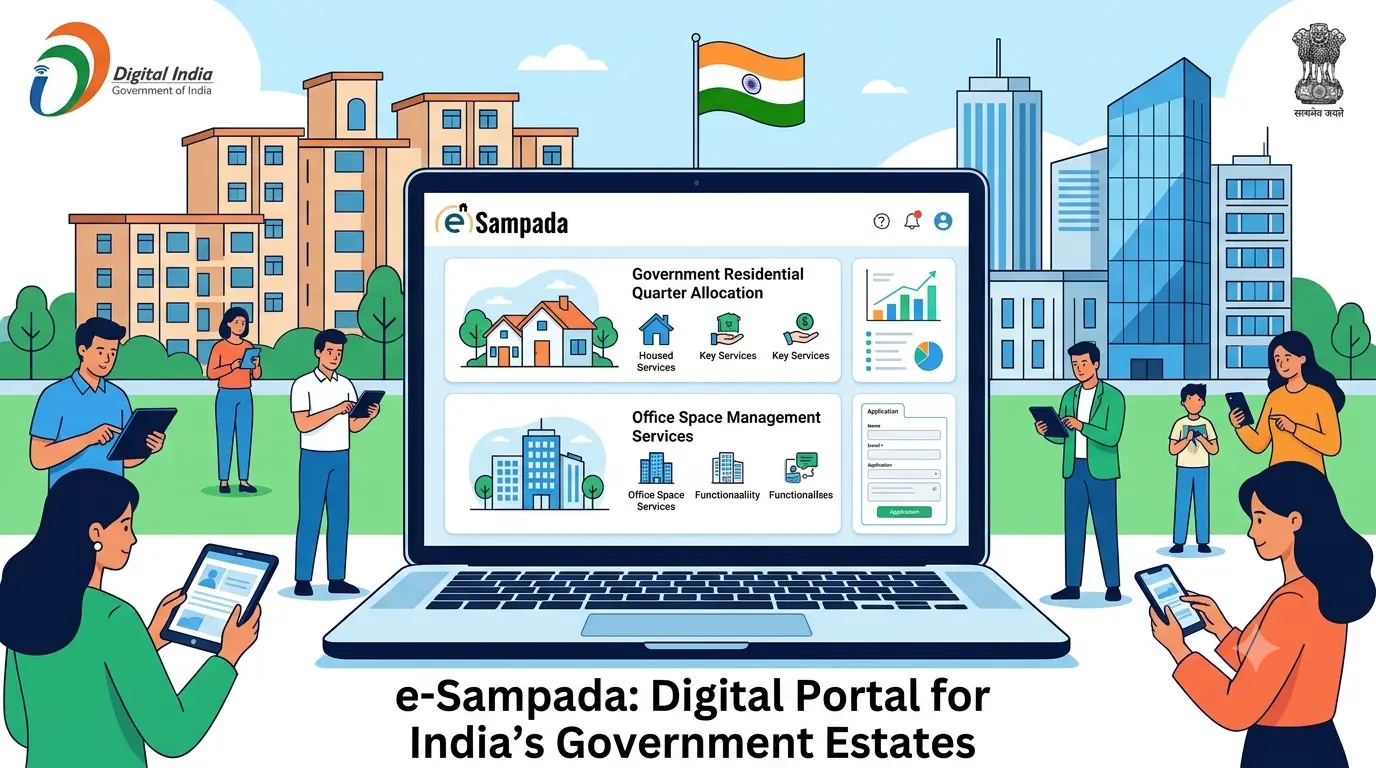
e-Sampada is an integrated digital portal launched under the Ministry of Housing and Urban Affairs (MoHUA) that consolidates all Government of India estate services into a single unified platform.
Designed primarily for serving and retired central government employees, officials, and state departments, it automates the online allotment and management of government housing (GPRA), CPWD holiday homes, commercial shops, office spaces, and major state venues like New Delhi’s Vigyan Bhawan, while enabling users to pay license fees and obtain online clearance certificates.
e-Sampada
What Is the e-Sampada Portal?
e-Sampada is a website for government estate services. It helps people access different services online. Users can apply for eligible government homes. They can also check applications and housing details. The portal provides other property-related services too.
It makes government services easier to access. Users need fewer separate websites for these services. They can complete several tasks online. This can also reduce paperwork and save time.
Launch Date and the Occasion
The government launched e-Sampada on 25 December 2020. The launch took place on Good Governance Day. This day marks Atal Bihari Vajpayee’s birth anniversary. He was India’s former Prime Minister.
Directorate of Estates and MoHUA’s Role
MoHUA means the Ministry of Housing and Urban Affairs. It oversees the portal through the Directorate of Estates. The Directorate manages government accommodation and related services. It also handles several government estate matters.
Developed by NIC: Website and Mobile App
The National Informatics Centre developed the e-Sampada platform. Users can access it through a website and app.
- Apply for eligible government services.
- Check application updates.
- View licence fees and outstanding dues.
- Access available booking services.
- Receive important service notifications.
Official website: https://esampada.mohua.gov.in/
Why Was e-Sampada Launched? The “One Nation, One System” Goal
Earlier, users needed different platforms for different services. This made finding services more difficult. The government brought these services together through e-Sampada.
Its goal was simple: one platform for multiple services. Users could access services without visiting separate websites. The system also aimed to improve transparency. It could reduce paperwork and simplify application tracking.
Four Old Websites and Two Apps Merged Into One
The government combined four websites and two mobile apps. These platforms previously handled different estate services.
| Old platform | Service it handled |
| Estates.gov.in | Directorate of Estates services |
| GPRA.nic.in | Government residential accommodation |
| eAwas.nic.in | Government housing-related services |
| Holidayhomes.nic.in | Holiday home bookings |
The integration brought several services under one platform. Two earlier mobile apps were also included.
Who Can Use e-Sampada?
Different people can use different services on e-Sampada.
- Central government employees: Apply for government houses.
- Government departments: Apply for office space.
- Government organisations: Use services for government buildings.
- Members of Parliament: Access eligible housing services.
- DDOs: Handle authorised administrative and payment-related tasks.
- Government officials: Manage services allowed under their roles.
- Ordinary citizens: Book certain government venues.
- Eligible travellers: Book government holiday homes and hostels.
DDO means Drawing and Disbursing Officer. Not everyone can apply for government housing. Employees must meet the housing rules.
Key Services Offered on e-Sampada
The portal offers several government estate services. Available services depend on the user’s eligibility.
Government Residential Accommodation (GPRA) Allotment
GPRA means General Pool Residential Accommodation. It includes government homes managed under the relevant rules. Eligible employees can use e-Sampada for housing services.
- Apply for government residential accommodation.
- Check available allotment information.
- View waiting-list details, where available.
- Request permission to retain a house.
- Apply for regularisation when permitted.
- Surrender accommodation through the relevant process.
Housing allotment depends on eligibility and available homes. The applicable government rules also affect allotment decisions.
Office Space and Market Accommodation Allotment
Government organisations may apply for office accommodation. The portal also supports certain market accommodation services.
Users may be able to:
- Apply for office space.
- Check accommodation allotment details.
- Access eligible shops and commercial properties.
- Review applicable licence fees.
- Complete relevant vacation formalities.
Available services depend on the applicant’s category.
Holiday Homes and Touring Officers’ Hostels
The portal supports bookings for government holiday homes. Eligible users can also access touring officers’ hostels.
Users can check available accommodation and submit booking requests. They can review booking details online. They should follow the current booking rules. Availability and priority depend on the applicable conditions.
Venue Bookings
The portal supports bookings for selected government venues. These venues serve different social and official purposes.
Examples include:
- 5 Ashoka Road: Book it for eligible social events.
- Kidwai Nagar Lawn: Book it for weddings and other functions.
- Vigyan Bhawan: Book it for eligible meetings and conferences.
Check the venue’s availability before applying. Applicants must pay applicable charges when required.
No Dues Certificate, Licence Fee and Complaints
The portal supports several accommodation-related formalities.
- Check licence fees and outstanding dues.
- Review relevant payment details.
- Follow the No Dues Certificate process.
- Complete applicable clearance formalities.
- Submit complaints or feedback.
- Check application updates when available.
The exact process depends on the requested service. Users should follow the instructions shown online.
How to Register and Apply for GPRA on e-Sampada
Want to apply for a government house? Let’s do it step by step!
- Visit the official e-Sampada website. This is where you will begin.
- Select the registration option, if required.
- Add your name, mobile number, email, and other required details.
- Check everything before moving ahead.
- Enter your government department and employee details.
- Follow your department’s verification process.
- Open the residential accommodation section.
- Select the relevant application option.
- Enter the required information.
- Is everything correct? Great! Submit the form and save your reference number.
- Check your application status online.
The exact process may vary between user categories. Always follow the latest portal instructions.
Documents and Details You May Need
Prepare these details before starting your application.
- Mobile number and email address
- Personal details and date of birth
- PAN or other requested identification details
- Employee identification and department details
- Office and current posting information
- Documents requested for your application
Requirements may differ for different services. Submit only documents requested by the official portal.
e-Sampada Mobile App and Key Features
The mobile app helps users access services using phones. It provides access to supported portal facilities.
- Personal dashboard: View your available service details.
- Application tracking: Check progress and status updates.
- Licence fees: Review applicable charges and outstanding dues.
- Virtual hearings: Access hearings where this facility exists.
- Chatbot: Find answers to common service questions.
- SMS and email alerts: Receive important application updates.
e-Sampada Key Facts at a Glance
| Fact | Detail |
| Launch date | 25 December 2020 |
| Launch occasion | Good Governance Day |
| Ministry | Ministry of Housing and Urban Affairs |
| Managing office | Directorate of Estates |
| Developer | National Informatics Centre |
| Main purpose | Government estate services on one platform |
| Housing coverage | Over one lakh homes reported at launch |
| Cities covered | Multiple cities across India |
| Official website | https://esampada.mohua.gov.in/ |
The portal covers housing and other estate services. Its services include bookings and office accommodation. The exact coverage may change over time.
Benefits and Limitations of e-Sampada
| Benefits | Limitations |
| Several services are available on one platform. | Many services do not apply to private citizens. |
| Users can check application progress online. | Housing applicants may face waiting lists. |
| Online services can reduce paperwork. | Some older users may need digital assistance. |
| Users can review dues and booking details. | Allotment depends on rules and availability. |
The portal makes many tasks easier to manage. However, it cannot guarantee immediate housing allotment.
e-Sampada for Competitive Exams: Quick Revision Points
- e-Sampada launched on 25 December 2020.
- Its launch took place on Good Governance Day.
- MoHUA is the responsible ministry.
- The Directorate of Estates manages its services.
- NIC developed the platform.
- The portal combines several estate services.
- GPRA means General Pool Residential Accommodation.
Conclusion
e-Sampada makes government estate services easier to access. Apply for housing and check your application online. Keep your details and documents ready. For more information, visit the official e-Sampada website.
