
Master Video Editing in Thrissur — Go from Beginner to Professional in Just 3 Months
Learn industry-standard tools like Adobe Premiere Pro, After Effects, and DaVinci Resolve through hands-on projects guided by working video professionals. By the end of this course, you'll be able to edit, color grade, and produce polished videos ready for YouTube, social media, films, and corporate clients. Build a strong portfolio while training in a studio-style learning environment right here in Thrissur.
3 Months + 15 Days Offline Internship
Live Online Classes + Recorded Sessions + Content Guides

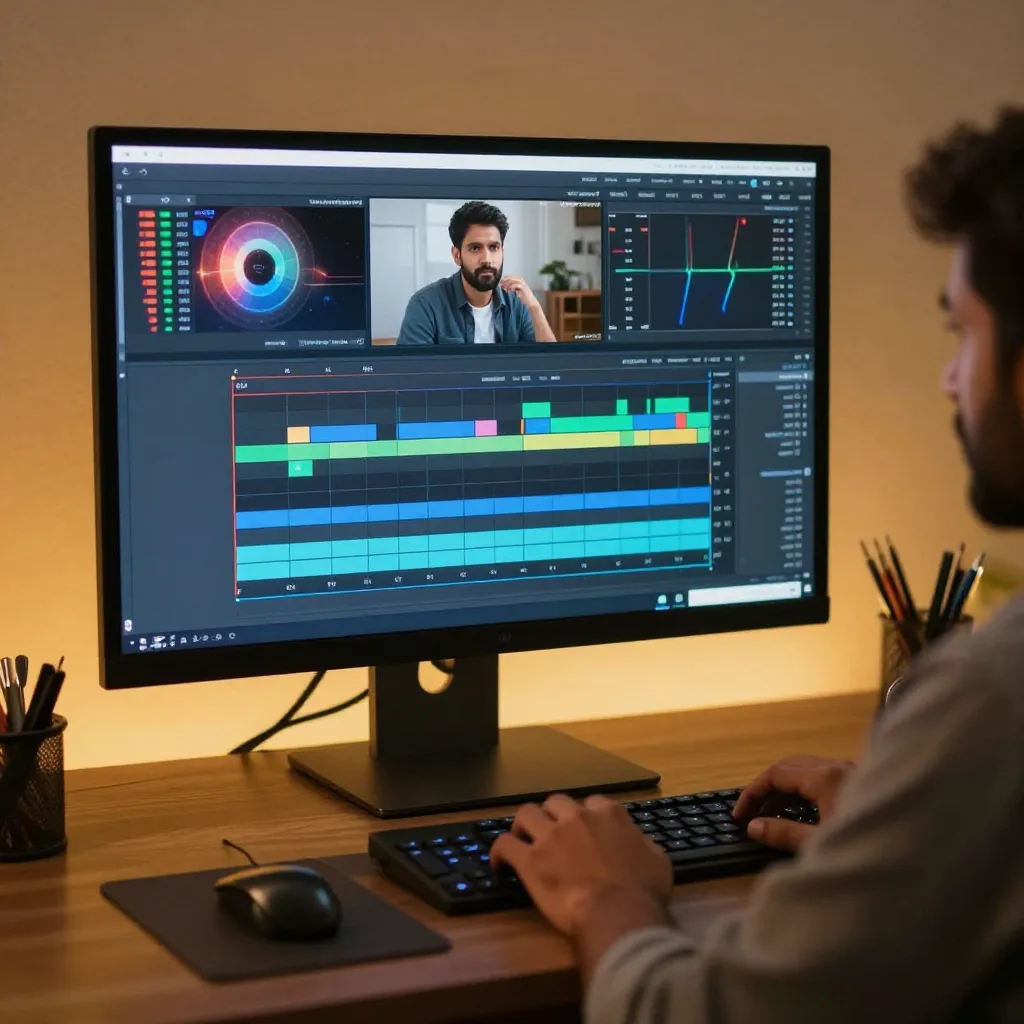
Overview of Our Video Editing Course in Thrissur
This video editing course in Thrissur is designed for beginners and working professionals who want to build a career in video production, content creation, or filmmaking. You'll get hands-on training in editing software, storytelling techniques, color grading, sound design, and motion graphics under the guidance of industry experts. The course blends practical projects with portfolio-building assignments so you graduate with real, showable work — not just certificates.
Live + Recorded Session

15 Days Offline Studio Internship

AI Tools Training

Motion Graphics with After Effects

10 Real Industry Projects

Freelancing & Career Launch Support

Professional Showreel & Portfolio

Beginner-Friendly, Zero Experience Needed
Video Editing Skills You Will Master
This course covers the complete video production workflow — from raw footage to final export — so you're equipped to handle any editing project professionally.
Why Choose Entri for Your Video Editing Course in Thrissur?
✅ Live + Recorded Sessions — Learn at your pace; recorded sessions are always available for review
✅ Industry Expert Trainers — Learn directly from working editors, agency post-production teams, and AI content creators
✅ 10 Real Projects — Not just theory. Every module delivers a portfolio-quality output
✅ 15 Days Offline Studio Internship — Genuine real-world studio experience, not a virtual simulation
✅ AI Tools Training — Future-proof your career with Veo3, Kling, Flow & Grok AI
✅ Freelancing Setup — Profile creation, pricing strategy, and client acquisition guidance included in Week 12
✅ Beginner-Friendly — Zero experience needed; everything is taught from absolute scratch
✅ Trusted by Learners Across Kerala — Part of Entri's growing community of 10M+ learners
Video Editing Tools You’ll Master
In-demand tools will be covered during the course to help you become a perfect Video Editing Professional!



%20(1)_3867.png)


Video Editing Job Roles You Can Pursue
Here are the high-paid job roles after completing Video Editing Course :
Video Editor — Production Houses & Media Agencies
Work on films, ad campaigns, and corporate videos, handling everything from rough cuts to final delivery. This role calls for strong command of Premiere Pro, tight storytelling instincts, and the ability to work to client briefs and deadlines.
Motion Graphics Artist — Advertising & Design Studios
Design animated titles, explainer videos, and visual effects for brands and ad campaigns. You'll use After Effects extensively, collaborating closely with creative directors to bring concepts to life through animation.
Ad Video Editor / Post-Production Artist
Works with brands and agencies to produce polished advertisement videos and promotional content. Needs mastery of color grading, motion graphics, and audio mixing for broadcast-quality output.
YouTube Content Editor — Digital Media Companies & Creators
Edit long-form and short-form videos for YouTube channels, focusing on pacing, retention, and platform-specific best practices. This role often includes thumbnail input, chaptering, and quick-turnaround editing for consistent upload schedules.
Freelance Video Editor — Independent Clients & Startups
Take on projects across genres — from wedding films to startup promo videos — while managing your own client relationships, pricing, and delivery timelines. This path offers flexibility and the potential for multiple income streams.
Social Media Content Editor — Marketing & Digital Agencies
Create short-form content for Instagram Reels, YouTube Shorts, and other platforms, optimized for fast-scrolling audiences. Speed, trend-awareness, and strong hook-driven editing are key skills for this role.
Post-Production Assistant — Film & TV Studios
Support senior editors with organizing footage, syncing dailies, basic assembly edits, and file management on larger productions. It's a strong entry point into the professional film and television industry, with room to grow into a full editor role.
Corporate Video Editor — In-House Media Teams
Produce training videos, internal communications, and promotional content for businesses. This role values consistency, brand alignment, and the ability to work within established style guidelines.
Color Grading Specialist — Studios & Streaming Platforms
Focus specifically on color correction and cinematic grading for films, ads, and web series using DaVinci Resolve. This is a more specialized path suited to editors who develop a strong eye for visual tone and consistency.
Video Editing Course Syllabus
A structured 12-week learning path designed to take you from absolute zero to a working professional. Every week includes a project. Every module builds real, portfolio-worthy skill.
- Week 1: content types and formats, editing principles
- Week 2: color psychology, com
- Week 3: interface, timeline editing, basic tools
- Project 2: Talking Head Video Editing
- Week 4: advanced editing, speed editing, file management
- Week 5: storytelling, hook creation, B-roll editing
- Project 3: Story-Based Video Creation
- Week 6: audio basics, sound design, exporting
- Project 4: Audio Enhancement for Video
- Week 7: color correction, skin tone and color balance, cinematic color grading
- Project 5: Color Grading & Mood Creation
- Week 8: After Effects interface, text animation and keyframes, advanced motion and rotoscoping
- Project 6: Motion Graphics & Logo Animation
- Week 9: viral edits, beat sync, speed ramp
- Project 7: Trending Reel Recreation
- Week 10: client workflow, showreel, personal branding
- Project 8: Advertisement Video Creation
- Week 11: AI tools (Veo3, Kling, Flow, Grok AI), automation, AI reel
- Project 9: AI-Powered Reel Creation
- Week 12: freelancing (Upwork/Fiverr profile and first client), final project, expert session
- Project 10: Portfolio + Showreel
15 Days of real studio experience — working on live briefs under professional supervision
Video Editing Blogs
Explore Trending Topics in Video Editing
AI tools for visuals and multimedia are software applications that use machine learning to automate or enhance creative tasks. These tools can generate images, videos, audio, and even entire presentations from simple text prompts or user inputs.
Freelancing lets professionals work for themselves and work for many clients and scale their income based on skill, expertise, and demand.
Career & Salary After This Video Editing Course
Video editing is one of the fastest-growing creative careers in India. Kerala's booming digital content ecosystem — from brands to YouTube channels to ad agencies — needs skilled editors. Here's what you can realistically earn:
| Career Track | Starting Salary | Experienced Salary |
|---|---|---|
| Reel Editor | ₹8,000 – ₹20,000/mo | ₹15,000 – ₹40,000/mo |
| Ad Video Editor | ₹15,000 – ₹40,000/mo | ₹25,000 – ₹50,000/mo |
| YouTube Editor | ₹12,000 – ₹30,000/mo | ₹20,000 – ₹45,000/mo |
| Corporate Video Editor | ₹20,000 – ₹50,000/mo | ₹35,000 – ₹80,000/mo |
| Top Freelancer (Upwork/Fiverr) | ₹50,000 – ₹1,50,000/mo |
Pre-requisities / Eligibility for Video Editing Course
No technical background or prior editing experience is required. If you have a computer, a passion for visual storytelling, and the drive to build a career — you're eligible to join.

Social Media Awareness
Familiarity with platforms like Instagram or YouTube is a plus, not a requirement

Basic Computer Knowledge
Ability to use a laptop or desktop comfortably

Interest in Visual Content
A genuine interest in videos, films, or content creation

Creativity
Think creatively to develop engaging content, campaigns, and strategies.
Why Live Sessions?
Offering live sessions in a Video Editing course provides several benefits.
Real-Time Interaction
Get your edits reviewed live, ask questions mid-session, and receive feedback on your actual project files — not a generic demo.
Hands-On Projects
Every module ends with a real deliverable. You're not just watching tutorials; you're building your portfolio piece by piece.
Collaborative Learning
Work alongside fellow editors, share feedback, and develop the team communication skills agencies actually look for.
Updated Industry Techniques
AI tools, trending formats, and platform algorithms change fast. Live sessions ensure you're learning what's relevant today, not two years ago.
_6170.webp)
Video Editing Course Certifications
Courses Recognised by


Frequently Asked Questions
NSDC certification validates your proficiency and expertise across various industries. It can enhance your credibility and positively impact your career growth, earning potential, and professional fulfillment. Obtaining Illinois certification opens up opportunities for career advancement and high-paying jobs, bringing ample career opportunities and enhancing your professional success.
Key Learning Outcomes of Advanced Video Editing Course
Here are a few key learning outcomes you can gain after completing the Entri Advanced Video Editing Program
Professional Editing with Adobe Premiere Pro
Master the industry's most widely used editing software — from timeline basics and multicam editing to advanced cuts, audio mixing, and platform-specific export settings for YouTube, Instagram, and broadcast.
Cinematic Color Grading Skills
Learn to transform raw footage into cinematic, mood-driven visuals using Lumetri Color in Premiere Pro and DaVinci Resolve — including LUT application, skin tone correction, color wheels, and shot matching with Vectorscope.
Motion Graphics & Animation with After Effects
Build eye-catching animated text, logo reveals, lower thirds, and visual effects using Adobe After Effects — the tool behind nearly every professional title sequence and branded video you see online.
AI-Powered Video Creation
Get hands-on with next-generation AI tools — Veo3, Kling, Flow, and Grok AI — to generate, enhance, and automate video content. A future-proof skill set that puts you ahead of editors who only know traditional tools.

Marketing Courses To Explore :
_9591.webp)
Digital Marketing Course
Whether you're a complete beginner, a professional looking to upskill, or someone exploring a new career path, digital marketing offers endless opportunities to learn, grow, and succeed. In today’s digital-first world, businesses of all sizes rely on digital marketing to reach their audiences, build brand awareness, and drive sales. This makes digital marketing one of the most in-demand skills across industries.
_9675.webp)
SEO Training
Are you ready to take your SEO skills to the next level? Our SEO training program is designed to provide you with live, interactive sessions that are tailored to boost your expertise and help you stay ahead in the ever-evolving world of search engine optimization. Led by industry professionals with years of hands-on experience, this program offers a unique learning experience that combines theoretical knowledge with practical application.
Frequently Asked Questions — Video Editing Course in Thrissur
Find Your Program and Up-skill
Entri Courses in the News


The startup lab
_6584.webp)
startup blink

Indian startup times
zartek
Advantages of Learning Video Editing Course
Elevate Learning Experience

Learn from Anywhere
Access all live classes, recorded sessions, and project files from your home — no commute, no classroom, no constraints. All you need is a laptop and an internet connection.
Flexible Schedule That Works for You
Classes run 3 days a week with recorded backups for every session. Whether you're a student, a working professional, or a homemaker, you can learn editing at a pace that fits your life
Hands-On, Project-Based Learning
Every module ends with a real editing project — not just a quiz. From Reels to corporate videos, you build 10 actual portfolio pieces that clients and employers can see and judge.
Expert Instruction from Working Editors
Learn directly from video editors and post-production professionals actively working in agencies, YouTube studios, and ad production — people who edit for real clients every week.
Access to Industry-Standard Resources
Get full access to editing assets, LUTs, sound effects, motion graphic templates, B-roll packs, and AI tool guides used by working professionals — not just theory slides.
Personalised Feedback on Your Edits
Every project you submit gets reviewed. You don't just upload and forget — mentors give you specific, actionable feedback on your cuts, colour grades, and motion graphics so you improve fast.
Study at Your Own Pace — Recordings Always Available
Missed a live session? Every class is recorded and available for replay. Pause, rewind, and re-watch complex techniques like keyframe animation or colour grading until they click.
High-Value Skills at an Accessible Cost
Compared to offline video editing institutes in Kerala, this program gives you more tools, more projects, a real internship, and AI training — at a fraction of traditional course fees.
24/7 Access to Course Materials & Community
Study guides, project briefs, software tutorials, and AI tool walkthroughs are accessible around the clock — so whether you edit at 7 AM or midnight, your resources are always there.
Career Support
Personalized Industry Mentorship
Get one-on-one feedback from working video editors and post-production professionals who review your actual project files, guide your editing style, and help you position yourself for the career track you want — freelancer, agency editor, or corporate video team.
Showreel & Portfolio Review
Your showreel is the single most important thing a client or employer will ask for. Mentors review your final showreel cut, give specific feedback on pacing, music choice, and project selection — so it's ready to send the moment you finish the course.
Freelance Profile Building (Upwork & Fiverr)
Get hands-on help setting up and optimising your Upwork and Fiverr profiles during Week 12 — including writing your bio, pricing your services, selecting portfolio samples, and positioning yourself to attract your first paying client.
Real Client Brief Simulations
Practice working on briefs exactly the way agency clients send them — with brand guidelines, deadlines, and revision rounds. Learn how to handle feedback professionally and deliver edits that clients actually approve without back-and-forth.
Client Communication & Pitching
Learn how to pitch your editing services to potential clients with confidence — from writing a strong first message on Fiverr to presenting your reel in a client call. Practical scripts, templates, and role-play sessions included.
Proposal & Pricing Strategy
Learn how to write winning project proposals, structure your packages, quote correctly for different video types (Reels, ads, corporate films), and negotiate rates — so you never undercharge for your work again.
Who Can Apply For the Course
- 🎓 Freshers & Students
- 📱 Content Creators
- 💻 Freelancers
- 🔄 Career Switchers
- 🏢 Business Owners


Get Expert Advice for Free: Register for Your Free Consultation Now!
Video Editing Course City Wisely

Entri App is India's rapidly growing e-learning platform with 10M+ users. Entri offers courses for govt test prep, coding, digital marketing, spoken english, finance & more in 6 regional languages.
