Table of Contents
Key Takeaways:
- SAP is a software program used by organizations to manage all business functions in a single system.
- This includes common module such as FI, SD, MM, HCM, and PP.
- Each factor handles a specific function such as finance, sales, HR or production.
- All SAP modules are connected with each other and proportionally share the same data.
- SAP help companies to increse their system performance easily, and without any errors.
Join Entri’s SAP FICO Training Course today!!
What are the Components of SAP?
SAP is a software that companies use to manage all their business work in one system. It helps connect departments finance, sales, HR, and production to increase the system performance.
Each component of SAP is called modules. Each module has its own simple function, such as managing revenue, handling sales, or managing eachemployees.
SAP Components
1. SAP FI (Financial Accounting)
- This part is used to manage money.
- It helps companies track income, expenses, and prepare financial reports.
2. SAP CO (Controlling)
- This component helps control business costs.
- It shows where money is spent and helps in planning budgets.
3. SAP SD (Sales and Distribution)
- This is used for handling sales.
- It manages customer orders, billing, and delivery of products.
4. SAP MM (Material Management)
- This part manages stock and materials.
- It helps in buying, storing, and tracking items needed for business.
5. SAP HCM (Human Capital Management)
- This component is used for HR work.
- It manages employee details, salary, attendance, and payroll.
6. SAP PP (Production Planning)
- This helps in production work.
- It plans how products are made and ensures timely manufacturing.
7. SAP BW (Business Warehouse)
- This part stores business data.
- It helps create reports and understand business performance.
Introduction
SAP is one of the well-known company software systems used by companies all over the world. This allows groups to manipulate their routines with ease and organized. It brings all business departments into one system, including finance, sales, HR, and production. This speeds up the entire process, reduces errors and increases efficiency.
SAP is divided into special components called modules. Each agent performs a specific task in the company. For example, one party handles cash, another handles sales, and another takes care of employees. This blog explore main components of SAP in very simple steps so that even beginners can understand how each component works and why it is much more important in businees field.
Background — Understanding SAP Architecture
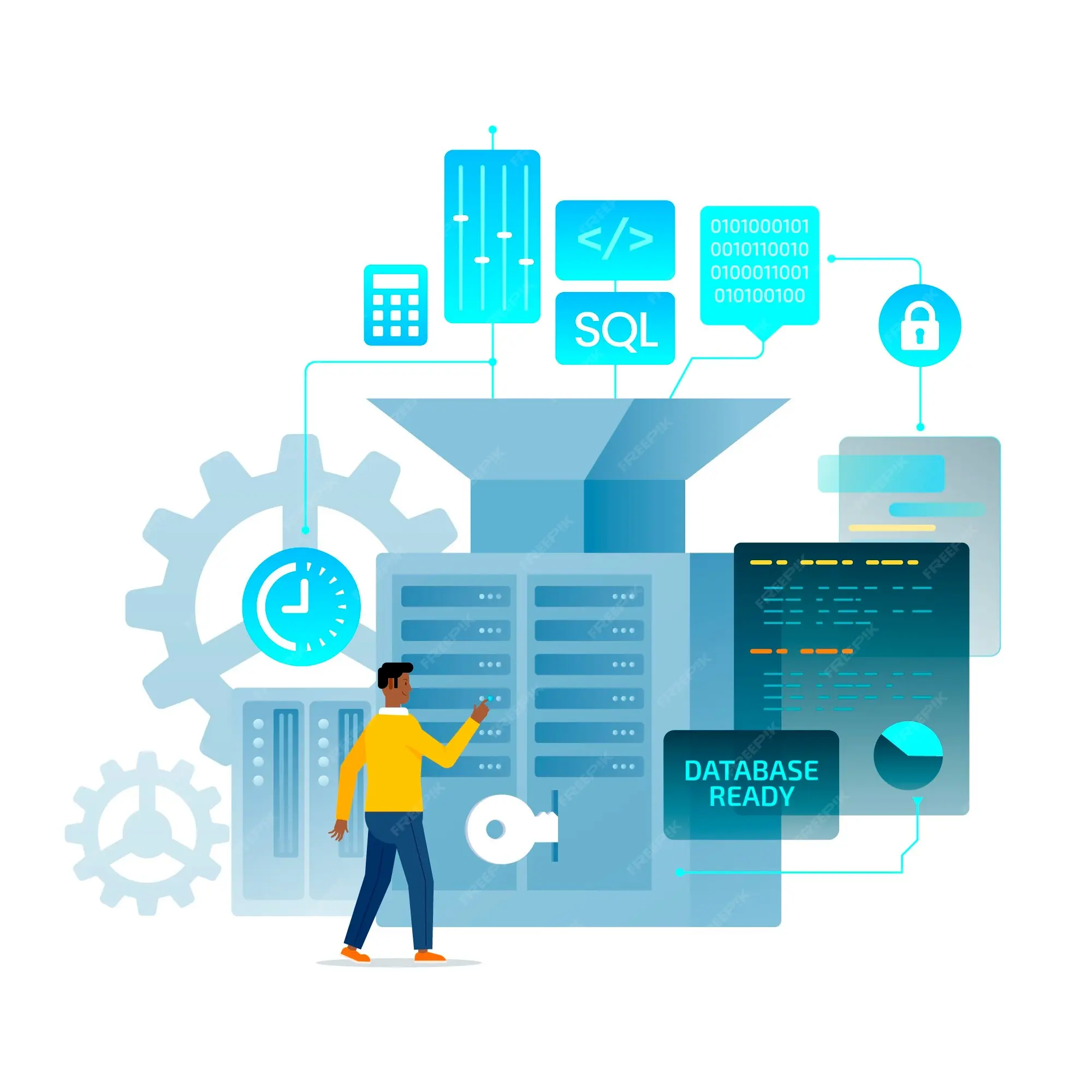
To understand SAP better, it is much more important to understand its structure, methodology, how SAP is set up, and how it works. The SAP structure is designed in 3 layers, so that the specific elements of the system can together work well. Each layer has a specific role, and all the layers combined each other to make the system smooth and fast.
1. Presentation Layer (User Layer)
- This is the layer where the user interacts with SAP.
- It is the screen you see on your computer.
- Users enter data, check reports, and then perform tasks here.
- It is simple and easy to use.
2. Application Layer (Processing Layer)
- This is the most important layer of SAP.
- It processes all the data given by the user.
- For example, when you enter a sales order or salary details, this layer handles all the calculations and logic details.
- It acts like the brain of the SAP system.
3. Database Layer (Storage Layer)
- This layer stores all the business data.
- It keeps information like employee details, financial records, sales data, and inventory details.
- It ensures that data is safe and can be accessed anytime when needed.
Master SAP with Expert-Led Courses
Unlock your potential with our comprehensive SAP courses! Learn essential modules like SAP MM (Materials Management), SAP SD (Sales and Distribution), and SAP FICO (Financial Accounting and Controlling) from industry experts.
Know MoreCore Components of SAP Explained
It is composed of several modules. Each item handles a specific business challenge such as finance, sales, human resources, or production. Together, they help an whole company run easily and efficiently.
1. SAP FI (Financial Accounting)
SAP FI is used to manage all financial activities of a company.
It helps in tracking money coming in and going out.
- Records income and expenses
- Prepares financial reports
- Manages balance sheets and accounts
It is mainly used by the finance department.
2. SAP CO (Controlling)
SAP CO helps in controlling and managing company costs.
It is closely linked with SAP FI.
- Helps in budgeting
- Tracks where money is spent
- Helps improve profit planning
It is useful for cost control and decision-making.
Master SAP with Expert-Led Courses
Unlock your potential with our comprehensive SAP courses! Learn essential modules like SAP MM (Materials Management), SAP SD (Sales and Distribution), and SAP FICO (Financial Accounting and Controlling) from industry experts.
Know More3. SAP SD (Sales and Distribution)
SAP SD is used to manage sales and customer activities.
- Handles customer orders
- Manages billing and invoices
- Tracks product delivery
It is mainly used by sales and marketing teams.
4. SAP MM (Material Management)
SAP MM manages materials and inventory in a company.
- Handles purchasing of materials
- Tracks stocks and shares .
- Managing Suppliers.
It can ensure that certain materials are available when needed.
5. SAP HCM (Human Capital Management)
Every companies uses SAP HCM to manage employees.
- Keep employee records
- Manages payroll and salaries
- Tracks attendance and leave
This is especially used by the Human Resources Department.
6. SAP PP (Production Planning)
SAP PP enables production and manufacturing strategies.
- Plans production schedules
- Manages manufacturing operations
- Ensures products are made on time
It is used in manufacturing companies.
7. SAP BW (Business Warehouse)
SAP BW is used to store and analyze business data.
- Collects data from different SAP modules
- Creates reports and insights
- Helps in decision-making
It is useful for business analysis.

How SAP Components Work Together
1. All Modules Share the Same Data
One of the most important features of SAP is that all components use the same database. This means when one department updates information, other departments can see it instantly.
- Sales updates order → Finance can see payment details
- HR updates salary → Finance system gets updated automatically
2. Smooth Flow of Information
SAP allows information to move easily from one department to another.
For example:
- A customer places an order in SAP SD (Sales)
- Inventory is checked in SAP MM (Materials)
- Bill is generated in SAP FI (Finance)
3. Real-Time Updates
SAP works in real time.
This means any change is updated immediately across the system.
- If stock decreases, it is updated instantly
- If a salary is processed, accounts are updated right away
4. Better Coordination Between Departments
All departments in a company are connected through SAP.
- HR, Finance, Sales, and Production can share data easily
- No need for manual communication or separate files
- Everyone works on the same system
5. Example to Understand Easily
Imagine ordering a product online:
- You place an order (Sales module)
- Warehouse checks stock (MM module)
- Payment is processed (FI module)
- Product is shipped (Logistics system)
SAP Components vs SAP Modules
Here is a simple table to clearly understand the difference between SAP Components and SAP Modules:
| Feature | SAP Modules | SAP Components |
|---|---|---|
| Meaning | Functional parts of SAP | Overall structure of SAP system |
| Focus | What SAP does (business tasks) | How SAP works (system structure) |
| Example | FI, SD, MM, HCM, PP | Presentation layer, Application layer, Database layer + modules |
| Nature | Business-oriented | Technical + Functional |
| Purpose | Helps manage company departments | Helps system run smoothly |
| Comparison | Like apps in a mobile phone | Like hardware of a mobile phone |
| Usage | Used by users in departments | Used in system design and architecture |
- SAP Modules are the working parts like finance, sales, HR, and inventory.
- SAP Components are the full system structure that includes modules and technical layers.
Example: Think of a mobile phone:
- Apps like WhatsApp, Camera → SAP Modules
- Hardware like screen, battery → SAP Components
Practical Applications of SAP Components
SAP components are not just technical parts of a software system. They are used in real companies every day to manage work in a simple and organized way. Each component helps in a different business area like finance, sales, HR, and production.
Let’s understand how SAP components are used in real life.
1. Finance and Accounting (SAP FI & CO)
Companies use SAP to manage money and expenses.
- Track income and expenses
- Prepare balance sheets and reports
- Control company budget
2. Sales and Customer Management (SAP SD)
SAP helps companies manage their sales process easily.
- Handle customer orders
- Create invoices and bills
- Track product delivery
3. Inventory and Material Management (SAP MM)
SAP is used to manage stock and materials in companies.
- Track available stock
- Manage purchasing of goods
- Maintain supplier records
4. Human Resources (SAP HCM)
SAP helps HR departments manage employees.
- Maintain employee records
- Process salaries and payroll
- Track attendance and leave
5. Production and Manufacturing (SAP PP)
SAP is widely used in manufacturing companies.
- Plan production schedules
- Manage factory operations
- Ensure timely product delivery
6. Data Analysis and Reporting (SAP BW)
SAP helps companies analyze business data.
- Create reports
- Study business performance
- Help in decision-making
Advantages of SAP Component-Based Architecture
SAP uses a component-based architecture, which means the system is divided into different parts (components) like finance, sales, HR, and production. Each component works separately but also connects with others. This design gives many benefits to companies.
1. Easy to Manage
Each SAP component handles a specific task.
- Finance is handled separately
- Sales works independently
- HR has its own system
2. Better Organization of Work
Work is properly divided among components.
- No mixing of data
- Each department has clear responsibility
- Everything is well structured
3. Real-Time Data Sharing
All components are connected to the same system.
- Updates happen instantly
- All departments see the same data
- No need for manual updates
4. Flexibility for Business
Companies can add or remove components as needed.
- Add new module when business grows
- Upgrade existing components easily
- Customize based on company needs
5. Reduces Errors
Since all data is connected and updated automatically:
- Less chance of duplicate work
- Fewer manual mistakes
- More accurate information
6. Improves Productivity
Employees can focus on their specific work.
- Less confusion between departments
- Faster workflow
- Better coordination

Challenges and Considerations
SAP is a powerful business system, but it also comes with some challenges. Companies need to understand these points before using SAP so they can plan better and avoid problems.
High Cost of Implementation
SAP is expensive to install and maintain.
- Needs high setup cost
- Requires trained professionals
- Regular updates also cost money
Complex System
SAP has many modules and features.
- Difficult for beginners to learn
- Needs proper training
- Takes time to understand fully
Time-Consuming Implementation
Setting up SAP in a company is not quick.
- Long installation process
- Data migration takes time
- Testing is required before use
Need for Skilled Professionals
SAP cannot be used without proper skills.
- Requires trained SAP consultants
- Companies need certified experts
- Continuous learning is important
System Maintenance
SAP needs regular updates and maintenance.
- Software updates are required
- System must be monitored regularly
- Technical support is needed
Integration Issues
Sometimes connecting SAP with other systems can be difficult.
- Compatibility problems may arise
- Data transfer issues can happen
- Requires technical support
Join Entri’s SAP FICO Training Course today!!
Conclusion
- SAP is a business software that helps companies manage all work in one system.
- It is made up of different components like FI, CO, SD, MM, HCM, PP, and BW.
- Each component has a specific role like managing finance, sales, HR, or production.
- All components work together and share data to make business work smooth and fast.
- SAP helps companies reduce errors, improve teamwork, and manage work in an organized way.
| Related Links | |
| What Is SAP? Where is it Used? | Top MNCs Hiring SAP Global Certified Professionals |
| Who Can Take Sap Global Certifications? | Top Companies Hiring SAP FICO Roles in Chennai |
Master SAP with Expert-Led Courses
Unlock your potential with our comprehensive SAP courses! Learn essential modules like SAP MM (Materials Management), SAP SD (Sales and Distribution), and SAP FICO (Financial Accounting and Controlling) from industry experts.
Know MoreFrequently Asked Questions
What are the main components of SAP?
SAP has many components like SAP FI (Finance), SAP CO (Controlling), SAP SD (Sales), SAP MM (Materials), SAP HCM (HR), SAP PP (Production), and SAP BW (Reporting). Each component handles a specific business task.
Why are SAP components important?
SAP components are important because they help companies manage different departments in one system. They improve speed, reduce errors, and make business work more organized.
What is the difference between SAP modules and components?
SAP modules are the functional parts like finance, sales, and HR. SAP components include these modules along with the system structure like database and application layers. Modules focus on work, components focus on structure.
Which SAP component is used for finance?
SAP FI (Financial Accounting) is used for finance. It helps in managing income, expenses, balance sheets, and financial reports of a company.
Is SAP difficult to learn for beginners?
SAP can feel complex at first because it has many modules. But with proper training and practice, beginners can easily understand how it works.
Which SAP component is used in HR jobs?
SAP HCM (Human Capital Management) is used for HR work. It helps manage employee records, salaries, attendance, and payroll.
Do all companies use all SAP components?
No, companies use only the components they need. For example, a manufacturing company may use SAP PP, MM, and FI, while a service company may focus on FI and HCM.
What skills are needed to work in SAP?
Basic computer knowledge, understanding of business processes, and training in SAP modules like FI, SD, or MM are important. Technical roles may also require programming skills.