Table of Contents
The accessibility of digital illustration is higher now than ever before. This is facilitated by free tools such as Procreate and Adobe Fresco. These tools help beginners create professional-grade designs without touching a sketchpad.
The apps that come loaded with fashion-specific brushes, croquis templates and layer systems make the transition from paper to screen surprisingly smooth.
Adobe survey conducted in 2025 reports that over 70% of fashion designers have already made the digital shift. This brings an overall boost to design efficiency altogether.
Learn Advanced Designing & Boutique Skills with Experts. Join Now!
Key Takeaways
- You don’t need expensive gear to start – budget tablets under ₹20,000 are fully capable for beginners
- Adobe Fresco and Krita are the best free software options for digital fashion illustration in 2026
- Layer-based sketching is the foundation technique every beginner must learn first
- AI tools like Adobe Firefly can automate fabric patterns, saving significant design time
- Most beginners grasp core digital illustration skills within two weeks of consistent daily practice
- Exporting work as PNG or PDF makes it portfolio-ready for professional sharing instantly
Why Digital Fashion Illustration Matters in 2026
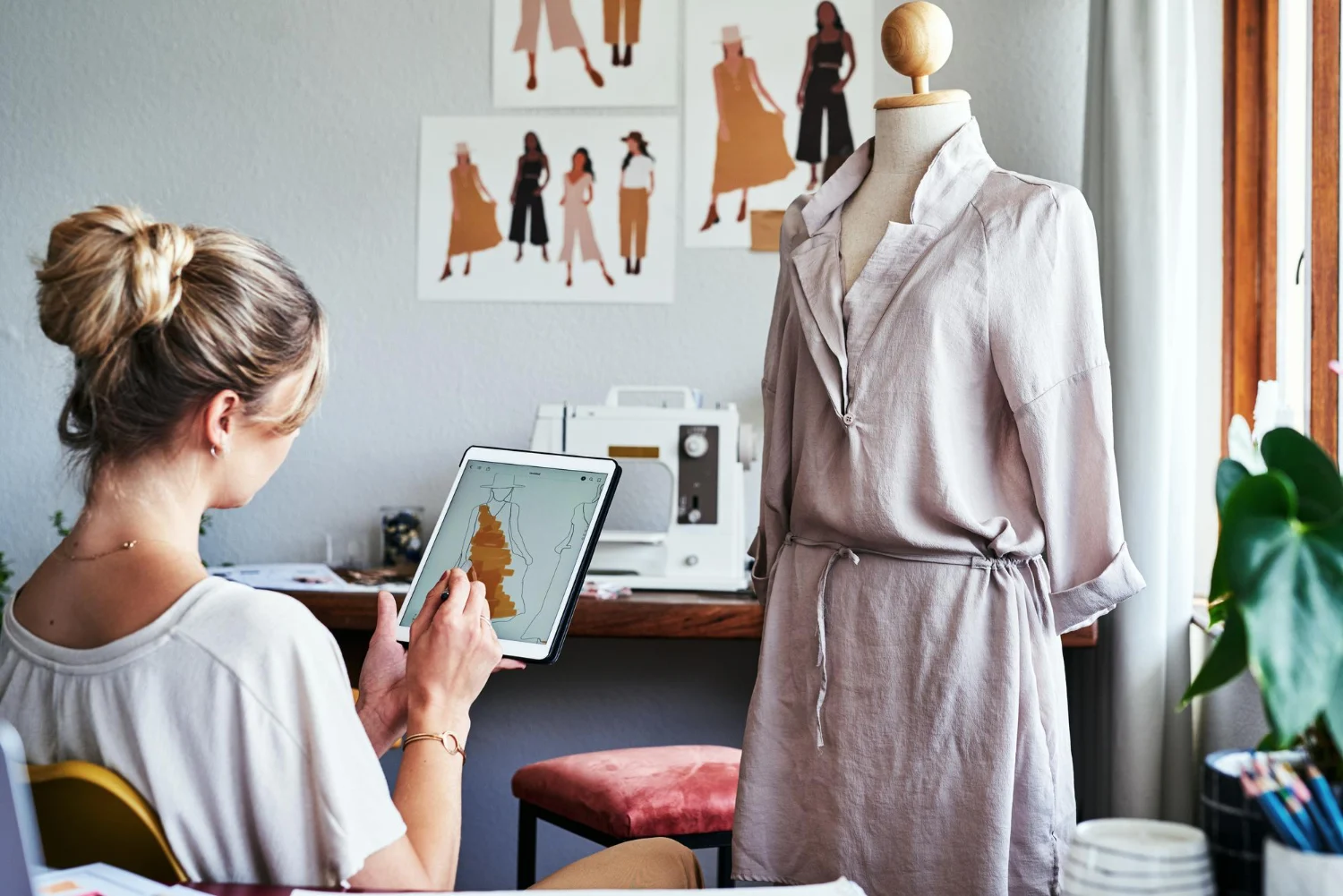
The fashion industry is no longer just about sketchbooks and mood boards that are pinned to a wall. Today, digital illustration sits at the heart of how designers build portfolios, pitch ideas, and collaborate with clients across borders.
For beginners, the advantages are hard to ignore:
- No expensive supplies – no watercolours, marker or sets cartridge paper, needed
- Speed – design iterations that once took days now take minutes
- Instant sharing – portfolios go live on platforms like Behance or Instagram with a single export
- Undo button – experimentation costs nothing, unlike ruining a physical illustration
Digital fashion illustration is better than traditional sketching for beginners as it eliminates the fear of making any permanent mistakes. Every stroke is editable, layers keep elements organised, and undo history suggests that you can experiment without any consequence.
| Benefit | Description | Impact for Beginners |
| Speed | Instant edits and layering | Cuts sketching time by up to 50% |
| Accessibility | Free trials and mobile apps | No expensive hardware needed |
| Collaboration | Cloud-based sharing | Real-time feedback from mentors |
| Versatility | 2D and 3D rendering support | From quick flats to full garments |
Master Fashion Designing and Create Your Signature Style
Unlock your creative potential with our expert-led Fashion Designing course. Build in-demand skills and step confidently into the world of fashion!
Begin Your Fashion Career Today!Essential Hardware for Digital Fashion Illustration
Choosing the right hardware is crucial and comes first before getting the software. This makes all the difference. A tablet with stylus support can give you the pressure sensitivity and hand control that is absent in mouse-based drawing.
| Tool | Key Features | Price Range (2026) | Best For |
| iPad Pro (M4 chip) + Apple Pencil | 120Hz refresh, pressure sensitivity, tilt support | ₹90,000–₹1,20,000 | Professional-grade sketches |
| Wacom One Tablet | Portable, 4096 pressure levels, affordable | ₹8,000–₹15,000 | Budget-conscious beginners |
| Samsung Galaxy Tab S9 | Android compatibility, S Pen included | ₹60,000–₹80,000 | Versatile mobile use |
| Huion Kamvas 13 | 13-inch display, battery-free pen | ₹20,000–₹30,000 | Drawing monitor setups |
Pro Tip: Start with a Wacom One or Huion to get a feel for digital sketching before committing to a premium device.
Best Software for Digital Fashion Illustration Beginners
The real impact is visible with the software you pick. The right app for the work you need to get done can turn rough gesture lines into polished garment flats.
Here’s a comprehensive breakdown of the top options available in 2026.
| Software | Platforms | Key Fashion Features | Free Tier? | Learning Curve |
| Adobe Fresco | iOS, Android, Windows | Live brushes, vector tools for garments | Yes (basic) | Low |
| Procreate | iPad only | Custom fashion brushes, animation | No (₹1,200 one-time) | Low |
| Clip Studio Paint | All platforms | 3D posing models, fabric textures | Yes (trial) | Medium |
| Affinity Designer | Mac, Windows, iPad | Vector fashion flats, no subscription | No (₹5,000 one-time) | Medium |
| Krita | Windows, Mac, Linux | Free brushes, layer effects | Fully free | Medium–High |
Adobe Fresco and Clip Studio Paint tops when it comes to the positive reviews users leave based on their fashion-oriented workflows.
Quick Software Picks by Goal
- Tightest budget → Krita (completely free with no trial limits)
- iPad users → Procreate (one-time payment, no subscription)
- Windows beginners → Adobe Fresco (free basic tier with instant setup)
- Vector fashion flats → Affinity Designer (no recurring cost)
Step-by-Step Guide: Getting Started with Digital Fashion Illustration
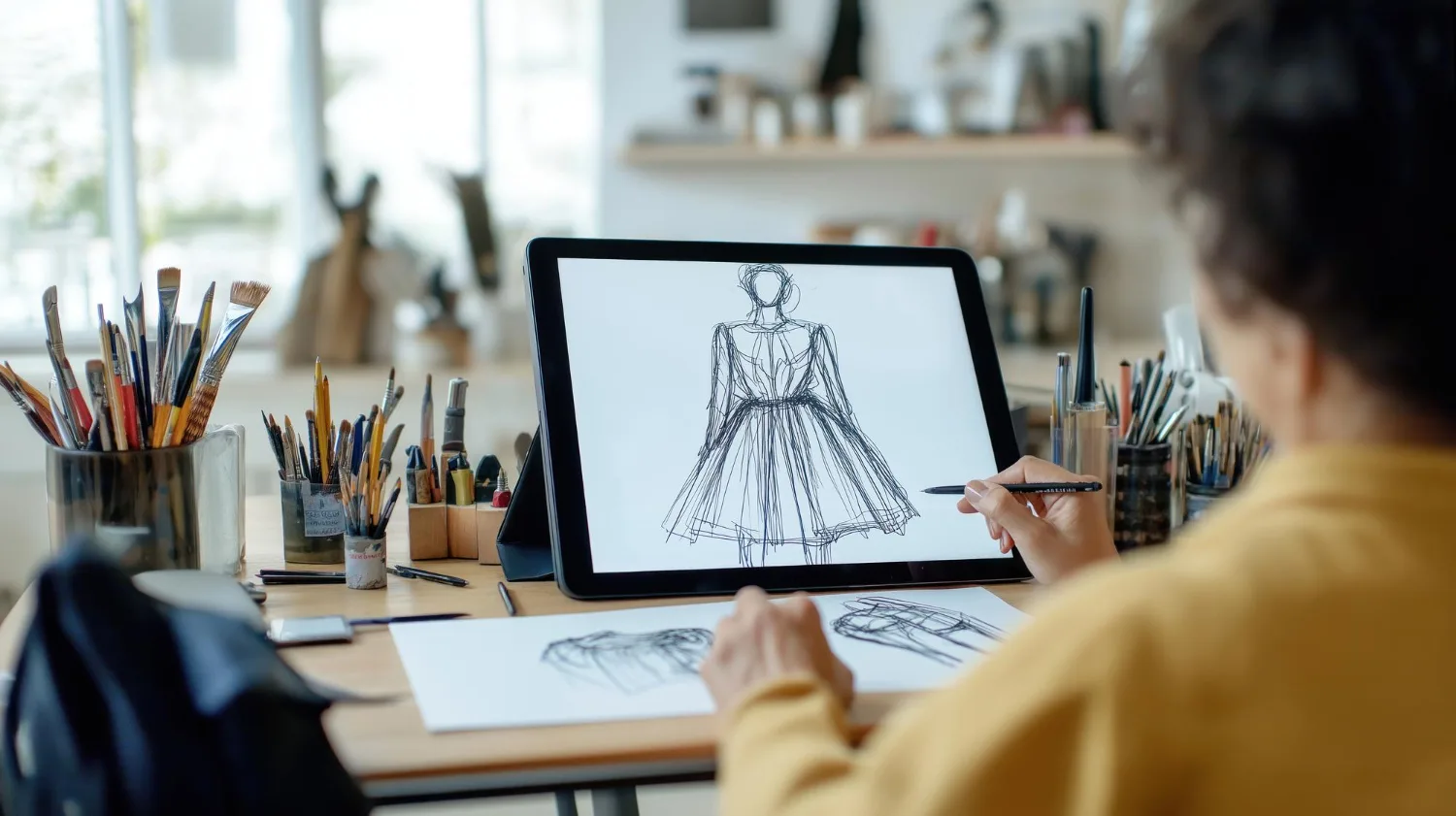
Step 1 – Set Up Your Workspace
- Once you download Adobe Fresco from the official App Store or Play Store, pair it with your tablet.
- Open the app and calibrate your stylus pressure settings under the input preferences.
- Import a free fashion croquis template to begin sketching right away.
- Don’t forget to enable auto-save and cloud sync. Losing an illustration because of a crash is a beginner mistake to avoid from the very start.
Step 2 – Master the Basics of Layer-Based Sketching
The single most important concept in digital fashion illustration are the layers. You can look at them as transparent sheets that are stacked on top of each other.
You sketch the body figure on a layer, fabric silhouettes on the next and colour fills on the third layer. This makes editing one element never disturb the other.
Studies suggest that learners who switch to digital layer-based workflows from their initial stages report faster skill acquisition.
Practice routine:
- Sketch a gesture figure using simple lines on Layer 1
- Add garment silhouettes on Layer 2
- Fill in colour palettes and textures on Layer 3
- Add final details and shadows on Layer 4
Step 3 – Create Your First Complete Illustration
You can now start with a 10-minute flat sketch exercise in either Adobe Fresco or Procreate. Pick a basic outfit like a shirt or trousers to begin with.
Make it a habit to keep the layer count below 20 in order to maintain performance quality. Once you are satisfied with what you have created, export the final design as a PNG file to be added to your portfolio.
Surveys from fashion design communities report that the majority of the beginners successfully complete their first digital flat attempt with a structured template to work on.
Master Fashion Designing and Create Your Signature Style
Unlock your creative potential with our expert-led Fashion Designing course. Build in-demand skills and step confidently into the world of fashion!
Begin Your Fashion Career Today!Advanced Tips to Level Up Your Illustrations

Once you are in and comfortable with the basics, you can move forward with techniques to push your digital fashion illustration into a genuinely professional territory.
Use AI-Powered Plugins
Adobe Firefly integrates directly into Adobe Fresco and Illustrator. This enables generating fabric textures and repeat patterns from simple text prompts.
Customise Brushes for Fabric Simulation
- Create a silk brush by reducing opacity variation and increasing flow smoothness
- Build a denim brush with rough texture overlays and low saturation fills
- Use canvas texture brushes for structured tailoring sketches
Symmetry Tools for Balanced Figures
Most apps including Procreate and Clip Studio Paint have built-in symmetry guides. Enable the vertical symmetry axis when sketching front-facing croquis to keep proportions perfectly balanced without any manual measuring.
Integrate AR Previews
Tools like Sketchfab allow designers to upload flat illustrations. This also enables to preview them in a 3D environment. This is particularly useful for presenting collections to clients before physical samples are made.
Common Mistakes Beginners Make (and How to Fix Them)
| Mistake | Why It Happens | Fix |
| Too many layers | Experimental overload | Merge non-essential layers regularly |
| Ignoring pressure sensitivity | Default app settings used | Calibrate stylus in app preferences |
| Poor colour choices | No reference palette used | Work from Pantone colour libraries |
| Skipping backups | Forgetting auto-save is off | Enable cloud sync from Day 1 |
| Overcomplicating first sketches | Aiming for perfection early | Stick to simple flats for the first month |
An analysis of over 500 beginner fashion illustration tutorials found that streamlining layer usage alone can reduce app crashes and file corruption issues significantly.
Learn Advanced Designing & Boutique Skills with Experts. Join Now!
Choosing the Right Tool Based on Your Goal
The journey of a beginner is different for different individuals. Let’s explore a straightforward guide that suits your situation to the right setup:
| Your Situation | Recommended Hardware | Recommended Software |
| Absolute beginner, tight budget | Wacom One (₹8,000–₹15,000) | Krita (free) |
| iPad already owned | Apple Pencil (2nd gen) | Procreate |
| Windows laptop user | Huion Kamvas 13 | Adobe Fresco |
| Android user | Samsung Galaxy Tab S9 | Clip Studio Paint |
| Wants vector-only workflow | iPad or Mac | Affinity Designer |
Conclusion
Digital fashion illustration is not a job role that is reserved for skilled tech-savvy designers or those who can afford expenses. If you have free tools such as Adobe Fresco and Kriti and a budget tablet, a few weeks of consistent practice is all you need.
This means any beginner can go from blank canvas in front of them to portfolio-ready fashion flats. When you follow a structured approach, the learning curve is genuinely shallow.
Start with hardware that you can afford, choose a beginner-friendly software, work on mastering layer-based sketching and then build from there.
The fashion industry has already moved into being digital. The only question is when you will join.
|
RELATED POSTS |
|
|
What Is Fashion Illustration? Meaning, Scope & Career Options |
Skills Required to Become a Fashion Illustrator |
| Fashion Illustration vs Fashion Sketching: Key Differences | |
Master Fashion Designing and Create Your Signature Style
Unlock your creative potential with our expert-led Fashion Designing course. Build in-demand skills and step confidently into the world of fashion!
Begin Your Fashion Career Today!Frequently Asked Questions
What is the best free software for digital fashion illustration?
Adobe Fresco offers a solid free tier with professional-grade brushes ideal for fashion sketching. Krita is another excellent fully free option available on Windows, Mac, and Linux.
Do I need an expensive tablet to get started?
Not at all — budget tablets like the Wacom One or Huion Kamvas 13 under ₹20,000 are fully capable for beginner fashion illustration. Investing in a premium device only makes sense once you have developed a consistent workflow.
How long does it take to learn digital fashion illustration?
Most beginners grasp the core techniques within two weeks of daily 30-minute practice sessions. Mastery of advanced skills like fabric texture simulation and AI integration typically takes two to three months.
Is Procreate suitable for fashion illustration beginners?
Yes. Procreate is one of the most beginner-friendly tools available for iPad users, with a low learning curve and a large library of downloadable fashion-specific brushes. It is a one-time purchase with no ongoing subscription cost.
Can I use digital fashion illustration tools on a Windows PC?
Absolutely. Adobe Fresco, Krita, Clip Studio Paint, and Affinity Designer all have dedicated Windows versions. Pairing any of these with a drawing tablet like the Huion Kamvas creates a fully functional digital studio.
How do I build a fashion illustration portfolio as a beginner?
Start by completing 10 to 15 clean flat sketches across different garment categories and export them as high-resolution PNGs. Upload them to a professional platform to make your work discoverable to potential clients or employers.
What is the difference between vector and raster in fashion illustration?
Vector illustrations use mathematical paths and scale infinitely without losing quality — ideal for garment flats and technical drawings. Raster illustrations use pixels and are better suited for textured, painterly fashion artwork.
Is Affinity Designer good for fashion flats?
Affinity Designer is one of the best tools for creating precise vector fashion flats, especially for designers who want a one-time purchase without subscription fees. Its vector toolset rivals Adobe Illustrator at a fraction of the cost.
How many layers should a beginner use in a fashion illustration?
Keeping your layer count below 20 per illustration is a practical guideline to maintain app performance and file manageability. Merging completed background and base layers regularly helps keep projects lightweight.
What brush settings work best for fabric illustration?
For silk, reduce opacity variation and increase flow smoothness for a fluid, shiny effect. For denim or rough fabrics, add texture overlays and lower saturation to replicate the coarse visual quality of woven materials.