Table of Contents
An Instagram content calendar template is a structured sheet to plan each post’s date, pillar, format, caption, visual, hashtags, and goal before publishing.
It replaces random posting with a repeatable system. The aim is to balance evergreen, campaign, and timely content against your team’s capacity.
Studies of millions of posts show that accounts on a defined, format‑balanced schedule sustain stronger reach than sporadic posters. However, best times to post and engage vary by the audience and should be checked in Insights.
Kickstart your Dream career with Online Performance Marketing Course in Kerala. Enrol Now!
Key Takeaways
- An Instagram content calendar lists date, pillar, format, caption, visual, hashtags, goal, and status for each post.
- A functional template needs nine core columns for solo creators and teams.
- Most brands should post 3 to 5 feed posts weekly, 3 to 5 Reels weekly, and Stories daily.
- 2026 studies show Tuesday–Thursday as top posting days, with peak windows at 7 a.m. to 9 a.m., 12 p.m. to 1 p.m., and 6 p.m. to 9 p.m.
- Plan a month ahead for batching, but keep 15% to 20% of the calendar flexible for trends.
- Use Google Sheets for solo work; choose Notion or Airtable for team workflows and approvals.
What is an Instagram Content Calendar Template?
1: What is the primary goal of SEO (Search Engine Optimization)?
An Instagram content calendar template is simply a table you use to plan ahead what content you can post. You can use Google Sheets, Excel, or Notion. It primarily lists every upcoming post along with the details your team needs to create, approve, and then schedule it.
This typically has columns for date and time, content pillar, format (reel, carousel, static post, or Story), hook and caption, visual asset, hashtags, goal, status, and owner.
Using one moves you from posting “when inspired” to posting with a clear purpose behind every piece of content.
Become an AI-powered Digital Marketing Expert
Master AI-Driven Digital Marketing: Learn Core Skills and Tools to Lead the Industry!
Explore CourseWhy You Need an Instagram Content Calendar
| Outcome | How the Calendar Enables it |
| Consistent posting | Fixed dates and status columns close the gaps that come from last-minute planning |
| Better engagement | A pillar-and-format mix stops the feed from feeling repetitive |
| Faster production | A pre-planned grid lets you batch-shoot Reels and design carousels in one sitting |
| Clear ROI | Goal and KPI columns per post make month-end reviews fast and objective |
Core Components of an Instagram Content Calendar Template
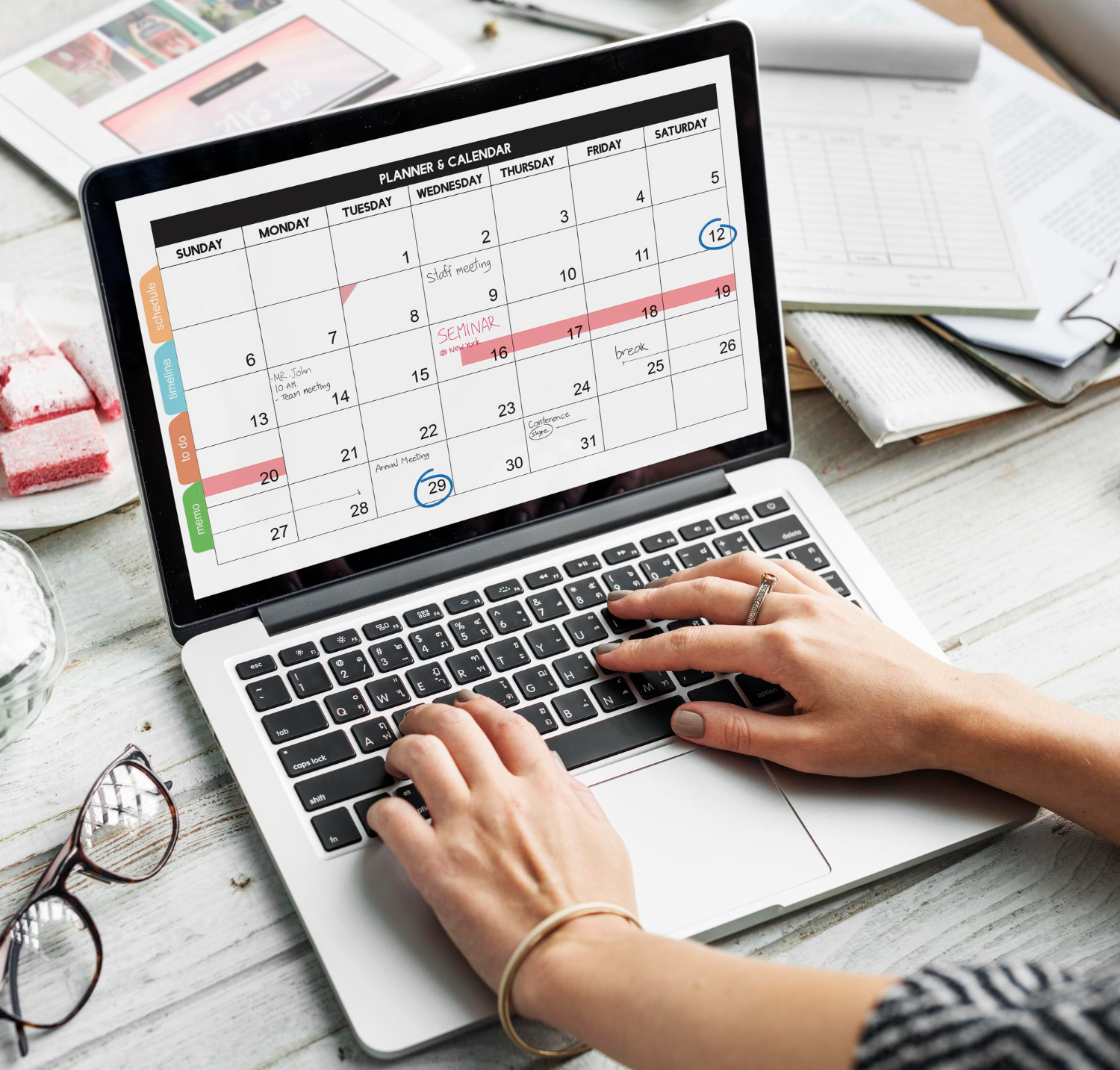
A functional calendar should include these fields:
- Date & Time – when the post goes live or is scheduled, in your local timezone.
- Platform & Placement – feed, Reels, Stories, or Live, and whether it’s cross-posted.
- Content Pillar – the recurring theme bucket, such as Education, Product, Behind-the-Scenes, Social Proof, or Offers.
- Format – Reel, carousel, static post, Story sequence, or Live.
- Hook & Caption – the opening line plus the full caption, drafted in advance.
- Visual Asset – a link or file name so production never stalls at the last minute.
- Audio/Music – for Reels, the track name or a note on trending audio.
- Hashtags & Keywords – a primary keyword focus plus 3–5 targeted hashtags.
- Goal & Status – the intended outcome (reach, saves, DMs, link clicks) and current stage: Draft, In Review, Scheduled, or Live.
How to Build Your Calendar: A 4-Week System
- Set one primary goal for the month. Choose reach, saves, enquiries, or link clicks so every post has a clear job to do.
- Fix 3 to 5 content pillars. A mix like Education, Product, Behind-the-Scenes, Social Proof, and Offers covers most brand needs.
- Decide a realistic cadence. For most small brands: 3 to 5 Reels, 2 to 4 carousels or static posts, and Stories most days of the week.
- Map the grid. Open a sheet with the columns above and fill four weeks by rotating pillars across formats.
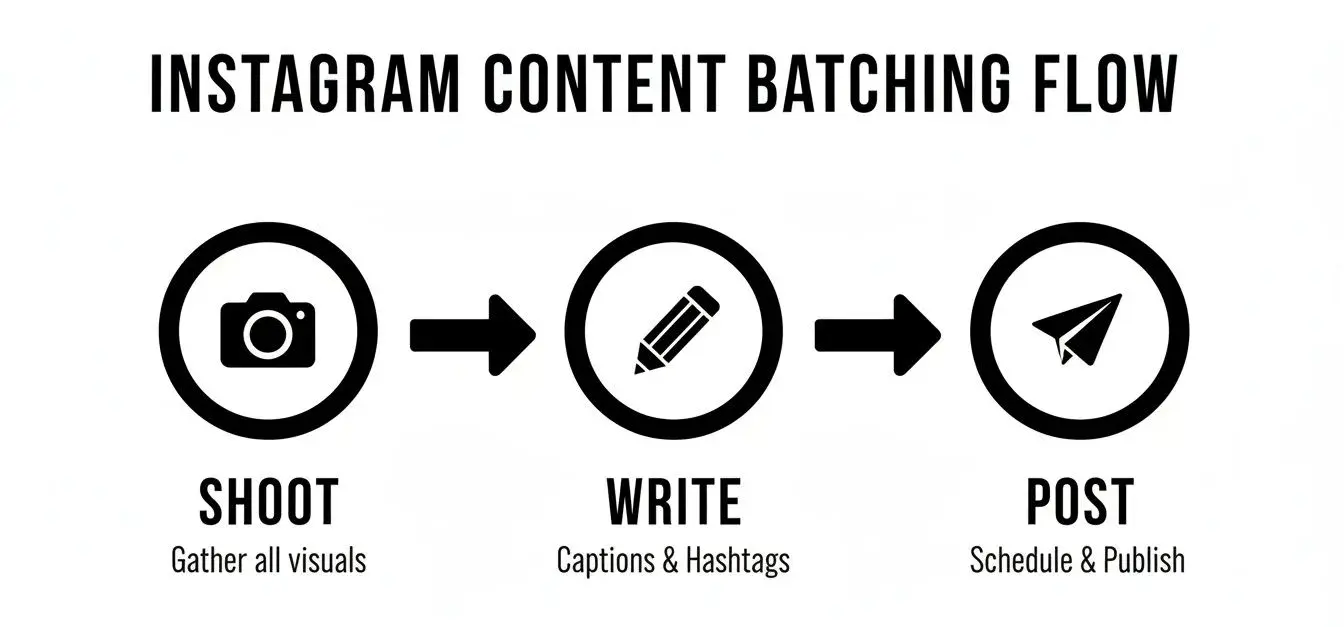
- Batch create. Shoot Reels in one block and design carousels in another, using the hooks and captions you drafted ahead of time.
- Schedule and review. Queue posts through a scheduler, then check what worked at month-end and carry those insights into the next cycle.
Become an AI-powered Digital Marketing Expert
Master AI-Driven Digital Marketing: Learn Core Skills and Tools to Lead the Industry!
Explore CourseSample 4-Week Instagram Content Calendar
| Week | Pillar | Format | Hook Idea | Goal | Status |
| 1, Mon | Education | Reel | “3 mistakes killing your reach in 2026” | Saves & Shares | Draft |
| 1, Wed | Product | Carousel | “How [service] fixes [pain point] in 4 steps” | DMs/Enquiries | In Review |
| 1, Fri | Social Proof | Static | Client testimonial + mini case study | Profile Visits | Scheduled |
| 1, Sun | Behind-the-Scenes | Stories | “Inside our content day: script → shoot → edit” | Engagement (polls) | Live |
| 2, Tue | Education | Reel | “Hook formulas that actually work” | Saves | Draft |
| 2, Thu | Offer | Carousel | “Free content calendar checklist” | Link Clicks | Draft |
| 2, Sat | Product | Reel | “Watch us design a post in 30 seconds” | Reach | In Review |
| 3–4 | Rotate pillars | Mix of Reel/Carousel/Static/Stories | Align with festivals or sale periods | — | — |
Keep the column structure identical each month, even as the content itself changes.
Format Mix and Posting Frequency

Posting-frequency studies from multiple social media analytics platforms in 2026 broadly agree on the following ranges:
| Format | Recommended Frequency | Why |
| Feed posts (photos/carousels) | 3–5 per week | Carousels drive the highest save rates of any format |
| Reels | 3–5 per week (up to daily for growth accounts) | Reels get the strongest organic reach on the platform |
| Stories | Daily, 3–5 per day | Keeps the account visible between feed posts |
| Live | 1–2 per month | Effective for Q&As and product or course launches |
Newer accounts trying to grow discovery should lean toward the higher end of the Reels range. On the other hand, established accounts with a loyal following can shift more energy toward Stories as well as community-building formats.
Best Times to Post on Instagram in 2026
No single “best time” applies to every account. 2026 studies analyzing everything from 7 million to over 24 million posts each, find slightly different peak hours. But laid side by side, they consistently agree on the same broad pattern:
| Consensus Finding | Detail |
| Strongest days | Tuesday, Wednesday, Thursday |
| Morning window | Roughly 7 a.m. to 9 a.m. |
| Midday window | Roughly 12 p.m. to 1 p.m. |
| Evening window | Roughly 6 p.m. to 9 p.m. |
| Weaker days | Friday, Saturday, and Sunday show lower engagement in most datasets |
Note:
Treat this as a starting point. Instagram Insights, viewed after 4 to 6 weeks of consistent posting, will tell you the actual windows that work for your specific audience.
Kickstart your Dream career with Online Performance Marketing Course in Kerala. Enrol Now!
Tools to Build Your Calendar
-
Google Sheets or Excel
Free, simple, and easy to customize with the nine columns above.The best starting point for solo creators.
-
Notion or Airtable
Better for teams that need status workflows, media attachments, and multiple views (board, calendar, table).
-
Native or third-party schedulers
Once your calendar is filled, queue posts directly instead of publishing manually each day.
Conclusion
A content calendar will help you turn Instagram into a system you plan once and execute with confidence. Start with the nine core columns and fix 3 to 5 pillars that reflect your brand. Hold your format mix to the ranges roughly 3 to 5 Reels, 3 to 5 feed posts, and daily Stories.
Leave a small buffer each week for trends. Then let your own Instagram Insights refine your exact timing over the following month. Build the grid once. Every week thereafter becomes a matter of execution.
Frequently Asked Questions
How many times a week should I post on Instagram in 2026?
Most brands should aim for 3 to 5 feed posts, 3 to 5 Reels, and Stories on most or all days. Growth-stage accounts often lean toward the higher end of the Reels range for reach.
How far ahead should I plan my Instagram content?
Plan the bulk of your content about a month ahead so you can batch-create efficiently. Keep 15% to 20% of your slots open each week for trends or timely posts.
What is the best time to post on Instagram in 2026?
2026 studies converge on Tuesday–Thursday as the strongest days, with morning (7 a.m. to 9 a.m.), midday (12 p.m. to 1 p.m.), and evening (6 p.m. to 9 p.m.) windows performing well. Your own Instagram Insights should confirm the exact hours for your audience.
Can I use one calendar for Reels, carousels, and Stories together?
Yes. Just make sure your “Format” column clearly separates each type, since captions, visuals, and goals differ by format. A single sheet with this distinction works well for most accounts.
Should I use Google Sheets or Notion for my content calendar?
Google Sheets is the faster, simpler option for solo creators or small brands. Notion or Airtable suits teams that need approval workflows, media previews, and multiple views.
How many content pillars should a brand have?
Most brands do well with 3 to 5 pillars, such as Education, Product, Behind-the-Scenes, Social Proof, and Offers. Fewer pillars keep the calendar simple; more can dilute focus.
Do Reels really perform better than static posts in 2026?
Yes, multiple 2026 studies show Reels consistently get the highest organic reach of any Instagram format. However, carousels still lead in save rates, so both formats deserve a place in your mix.
Is Friday or Saturday a good day to post on Instagram?
Most 2026 datasets show Friday, Saturday, and Sunday performing weaker than midweek days. It’s still worth testing your own audience, since some niches see the opposite pattern.
How do I know if my content calendar is working?
Check the goal and status columns against your actual post performance at the end of each month. If reach, saves, or DMs aren’t improving, revisit your pillar mix or posting times.
What should I do if a trend doesn't fit my planned calendar?
Use the buffer slots you left open (roughly 15% to 20% of the week) to post timely or trend-based content. This keeps the calendar flexible without disrupting your core plan.